
Claude + Playwright → interactive walkthrough
Every screenshot below was captured by Claude driving Playwright through the live app. Claude works out the route through the feature, drives it step by step, applies a spotlight to the element that matters, and writes out both the shots and the manifest that orders them.
The point is that it regenerates. Run the capture script again after a UI change and the walkthrough re-shoots itself, so documentation can never quietly drift away from the product.
Acme — Contact a human
-
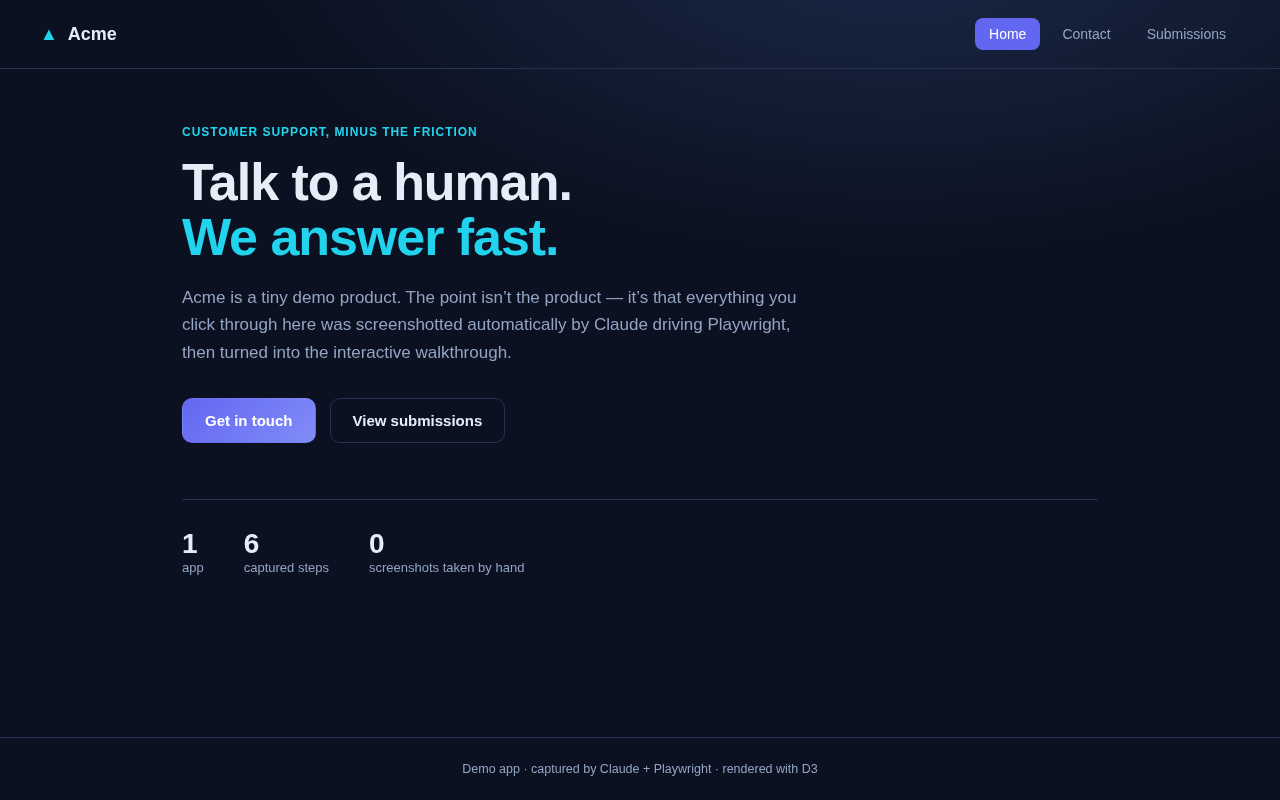
01 Landing page
The feature entry point — a visitor arrives at Acme.
-
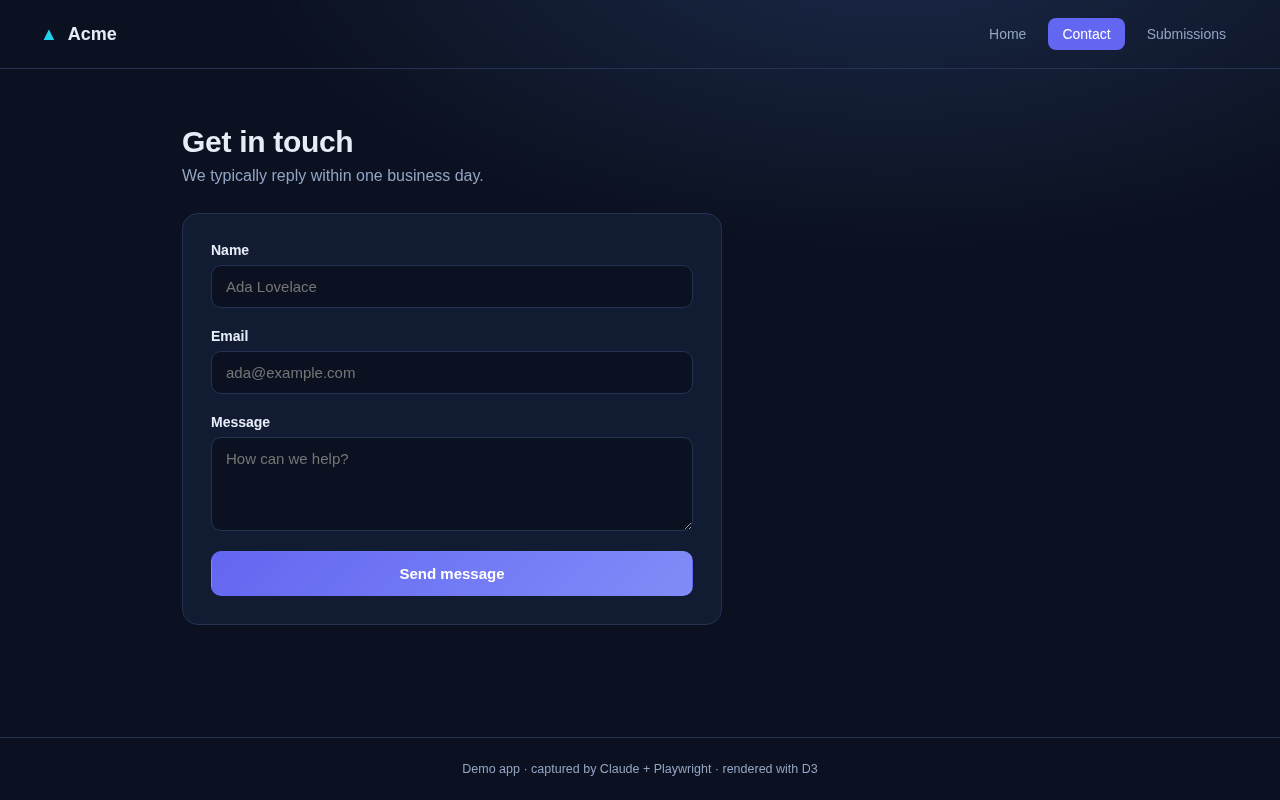
02 Contact form opened
Clicking “Get in touch” routes to the contact form.
-
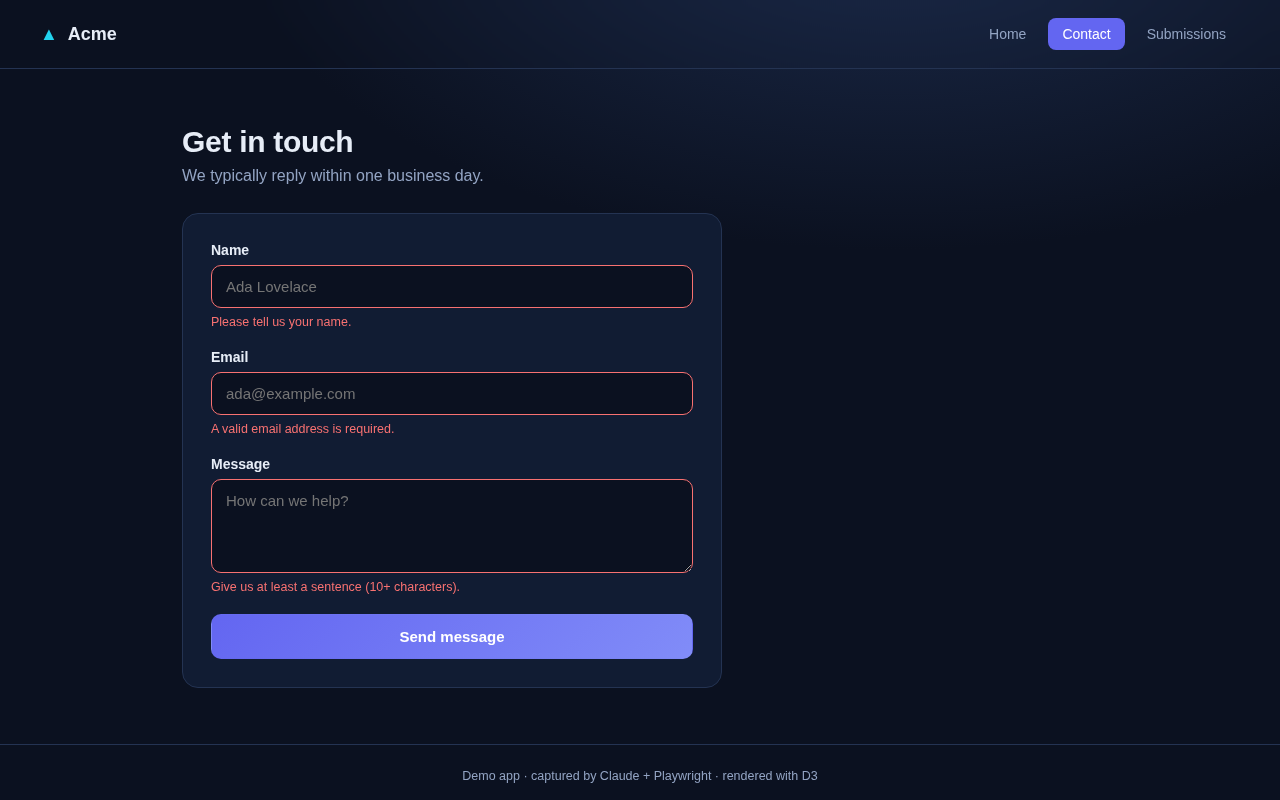
03 Inline validation
Submitting empty surfaces field-level errors — no bad data reaches the API.
-
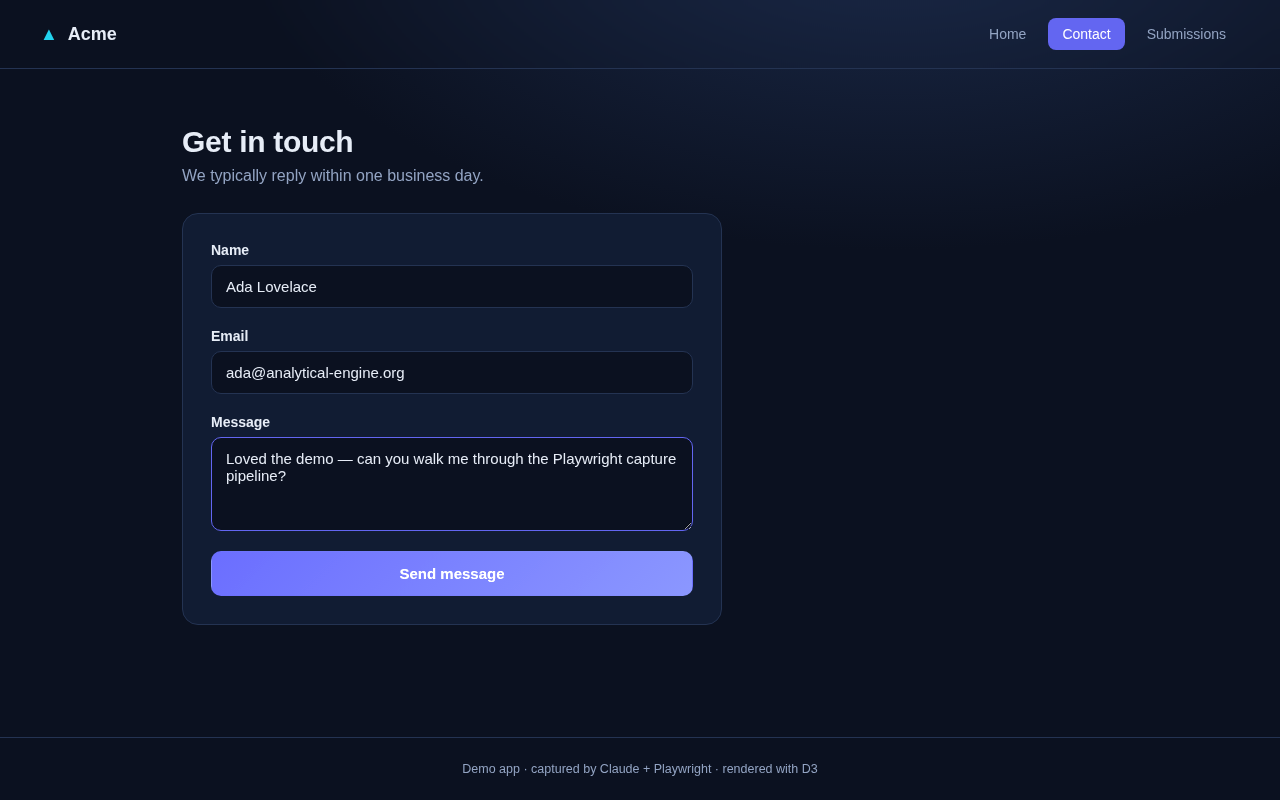
04 Form completed
A valid enquiry filled in and ready to send.
-
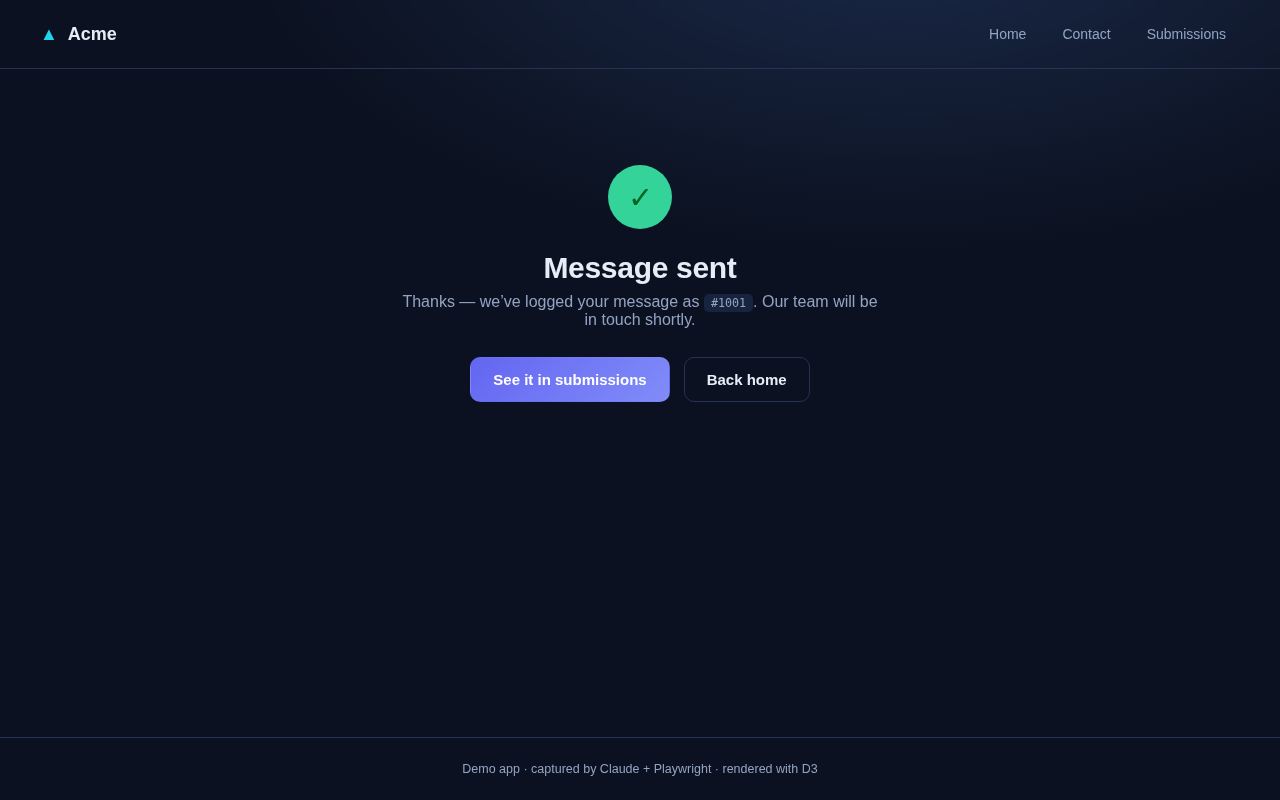
05 Submission confirmed
POST /api/contact succeeds; the user lands on a confirmation with a ticket id.
-
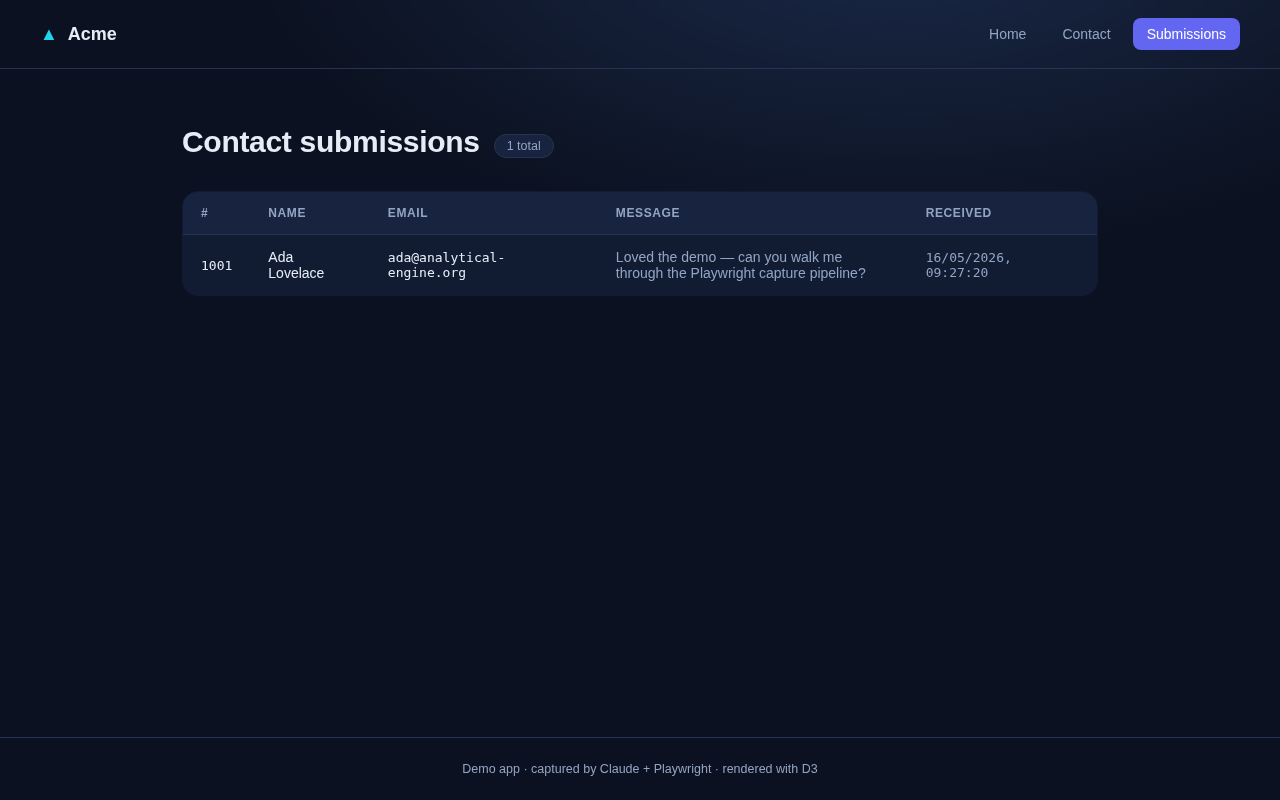
06 Appears in submissions
The backend admin list shows the new submission — end-to-end proof.
Nobody took those screenshots, wrote those captions or kept them up to date. That is the whole idea: the walkthrough is an output of the app, not a document about it.